
When I try to add the countdown timer block to my theme I see an error message in the theme customizer
There is currently an intermittent issue using the button on the app which we are currently investigating. In the meantime, you can still do it manually...
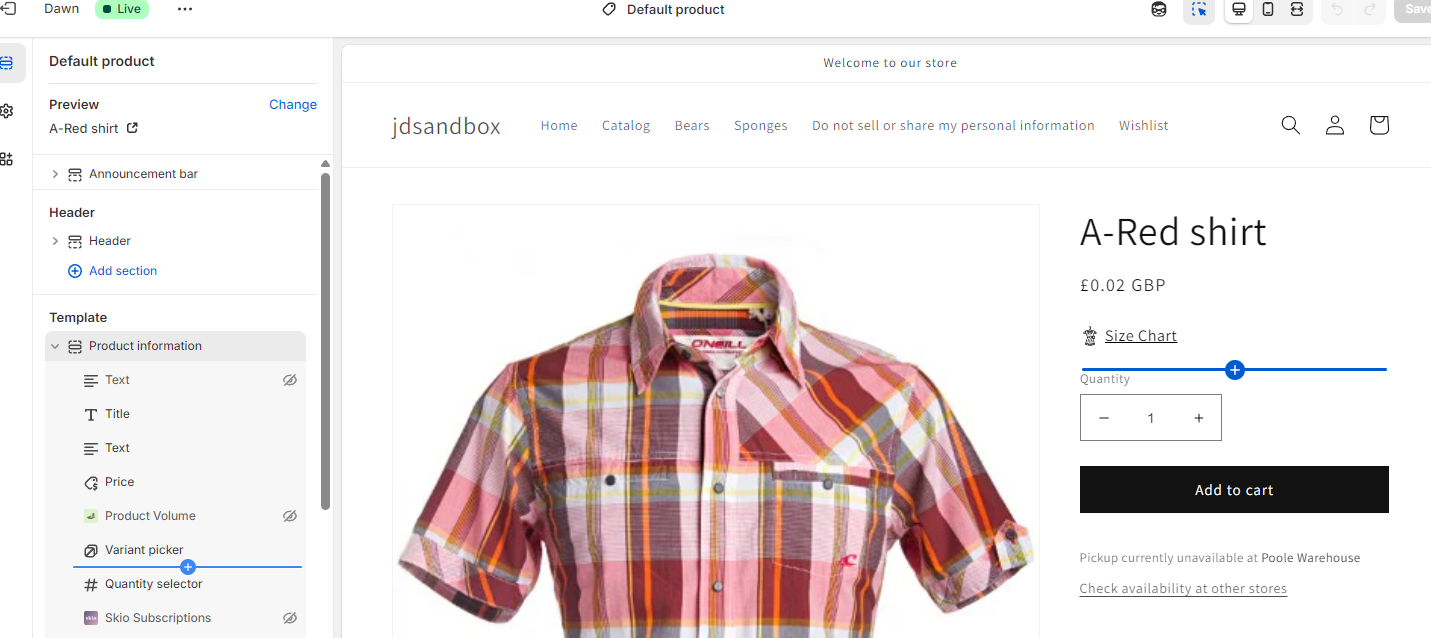
In your theme customizer, go to add a new block the usual way by pointing your mouse until the blue plus appears and then click:
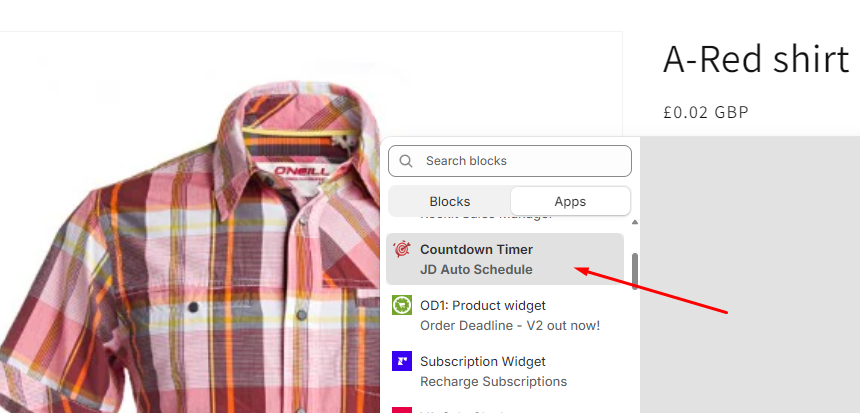
On the popup, scroll down until you see Countdown Timer (JD Auto Schedule) and click that:
The countdown timer should now appear on your template and you can customise as you please:
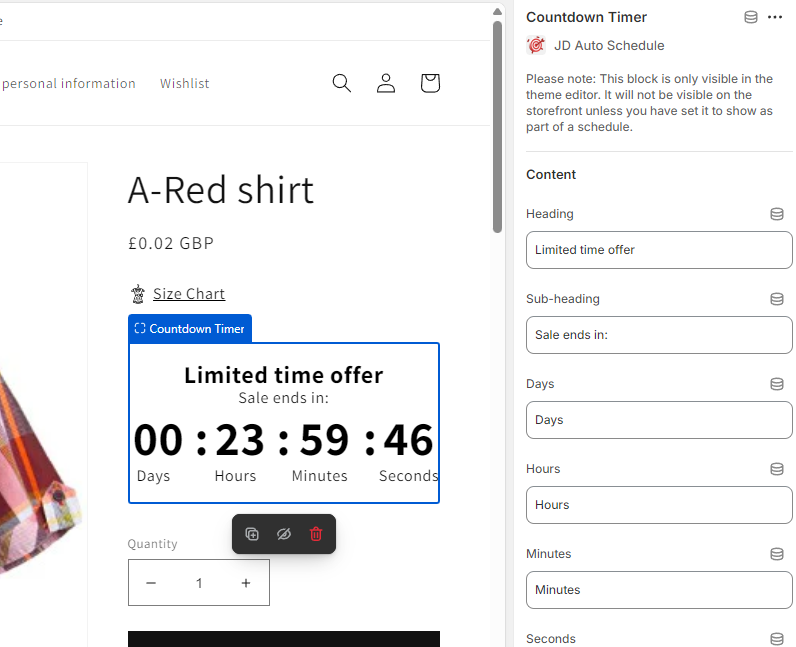
Please note: the default countdown of 24 hour only shows in the theme editor - it's just so you can see it and make any necessary modifications. On your store frontend the timer will always countdown to the end date for any product where you select the "show countdown timer" option.