
Opening the App
Once installed, open Auto Schedule from your Shopify admin: click Apps in the left-hand sidebar and choose Auto Schedule from the list (or start typing "Auto Schedule" in the search bar at the top of the admin — it will appear in the results).
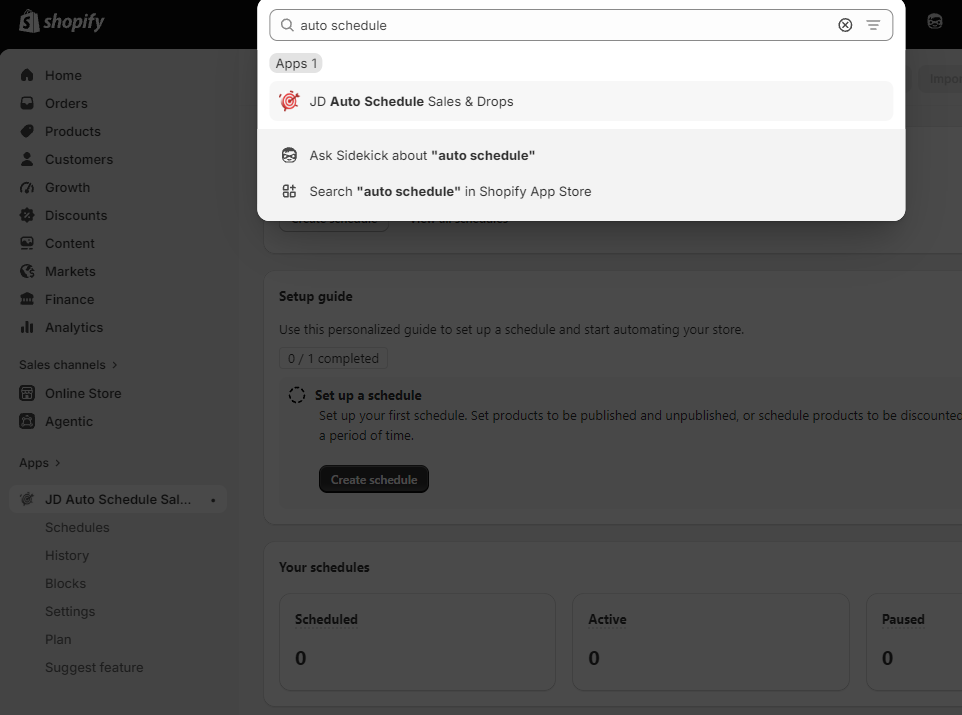
Tip: hover over Auto Schedule in the Apps list and click the pin icon to keep it permanently in your sidebar.
Opening the app takes you to the main dashboard, and you can begin your scheduling from there.